Instantly search for the desired projects or boards, or a wide variety of commands or features from the same search box.
How to access?
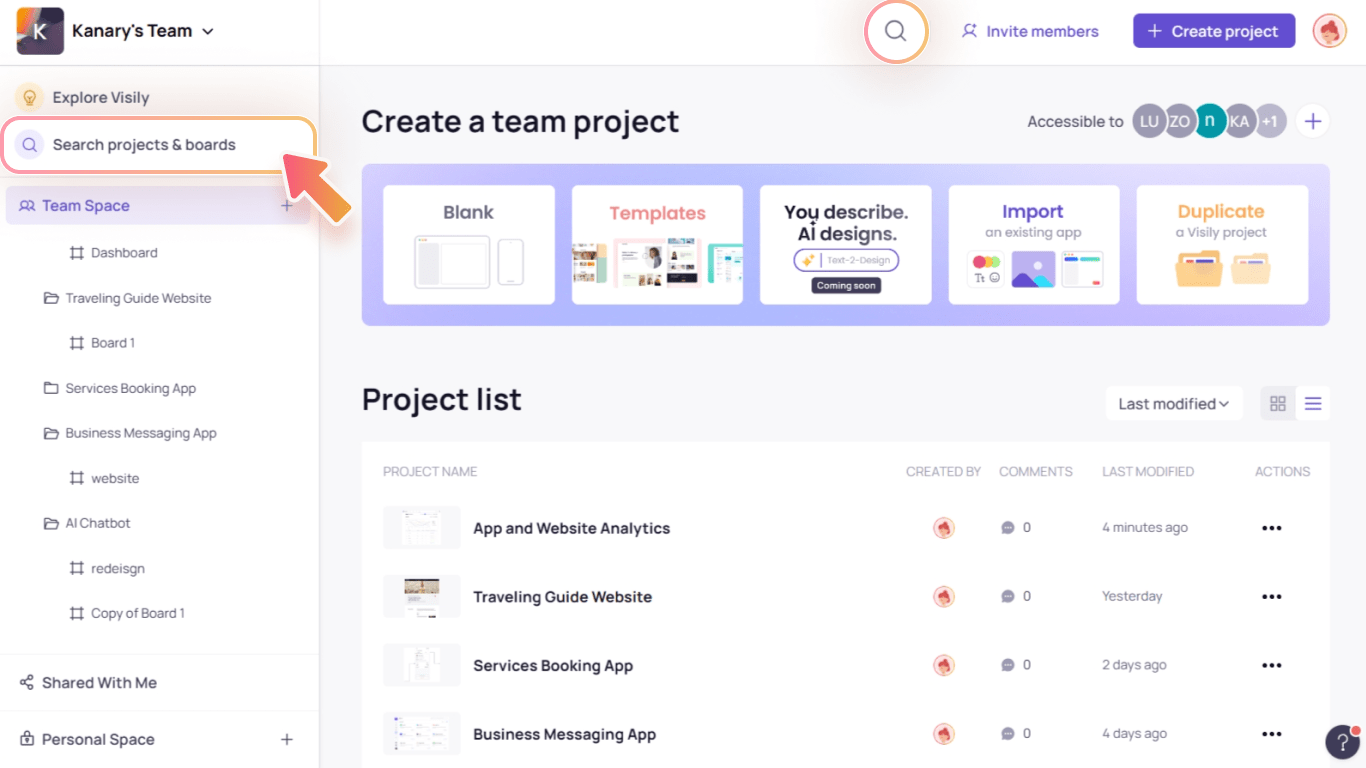
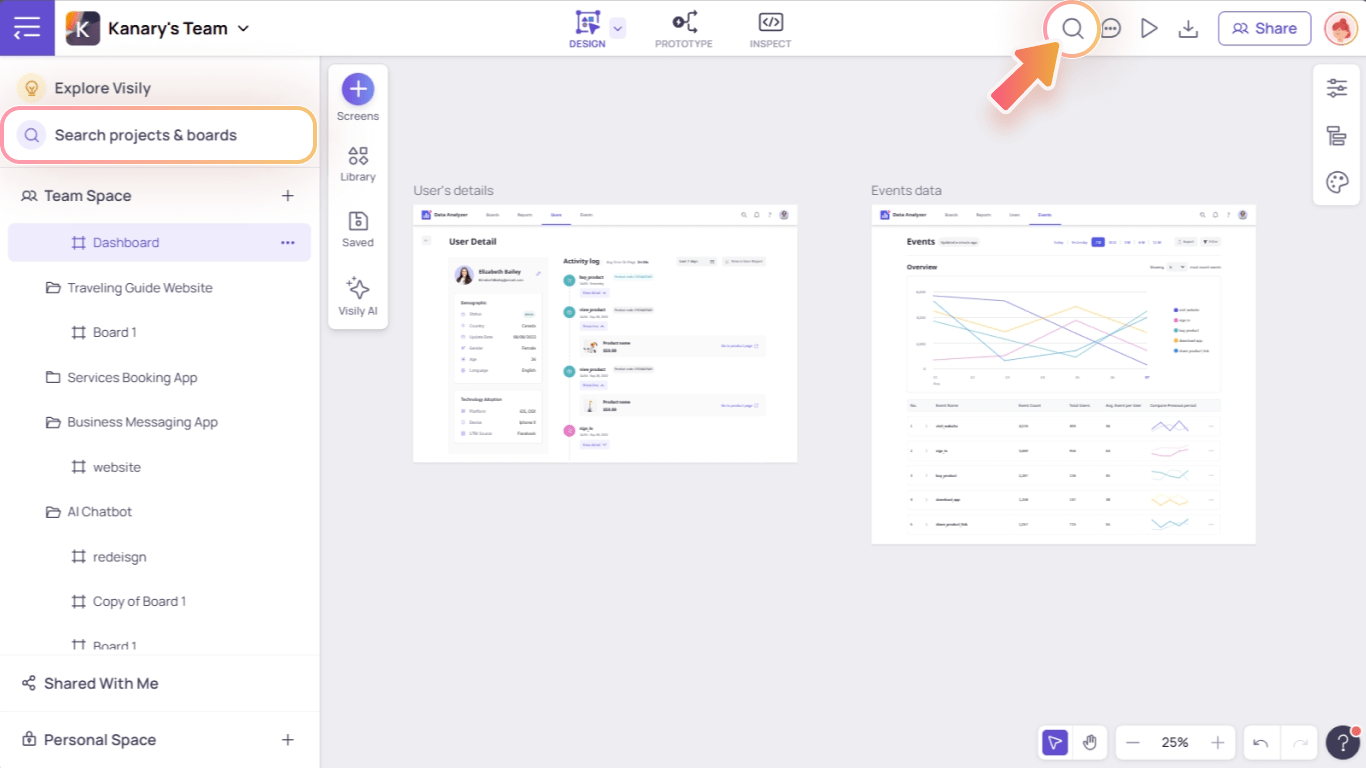
To open the search popup, press keyboard shortcut / or click on:
Search icon on the top bar
“Search projects and boards” button on the Projects & Boards hierarchy panel on the left
In App Homepage:
In Editor:
Search commands for instant action
Not sure where to find certain features or elements? Want to explore more actions and corresponding keyboard shortcuts? Check out the “Commands” tab in the search box.
Search projects or boards
No more wasting time browsing the long project and board lists now you can instantly search for the desired file name.
Note: You can only search the projects and boards in the current team workspace. If you’re working on multiple workspaces, switch to the relevant one before searching.